Farsi Nevis (فارسی نویس)
Type Pinglish, get Farsi — a smart keyboard for iPhone and iPad, and a menu bar app for Mac
4.6587 ratings on the US App Store
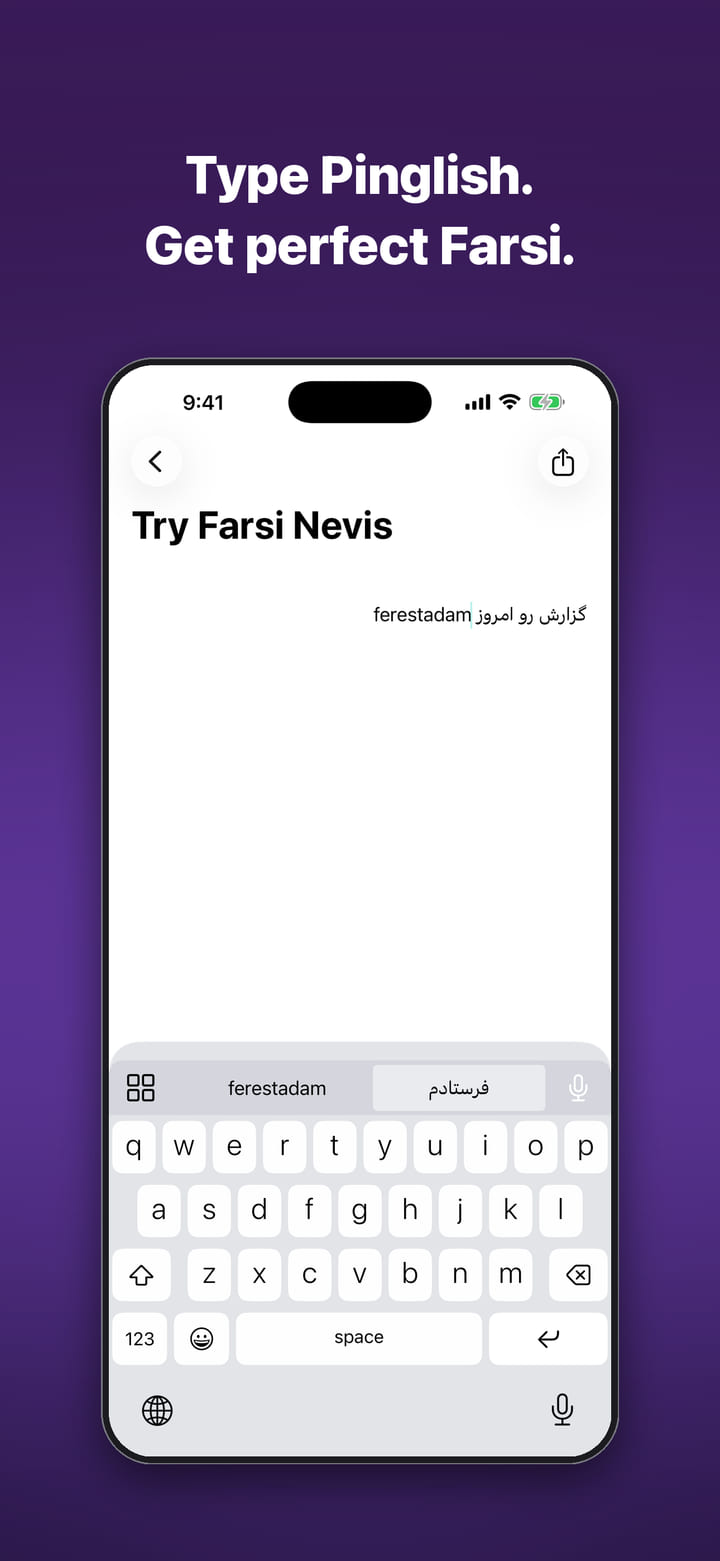
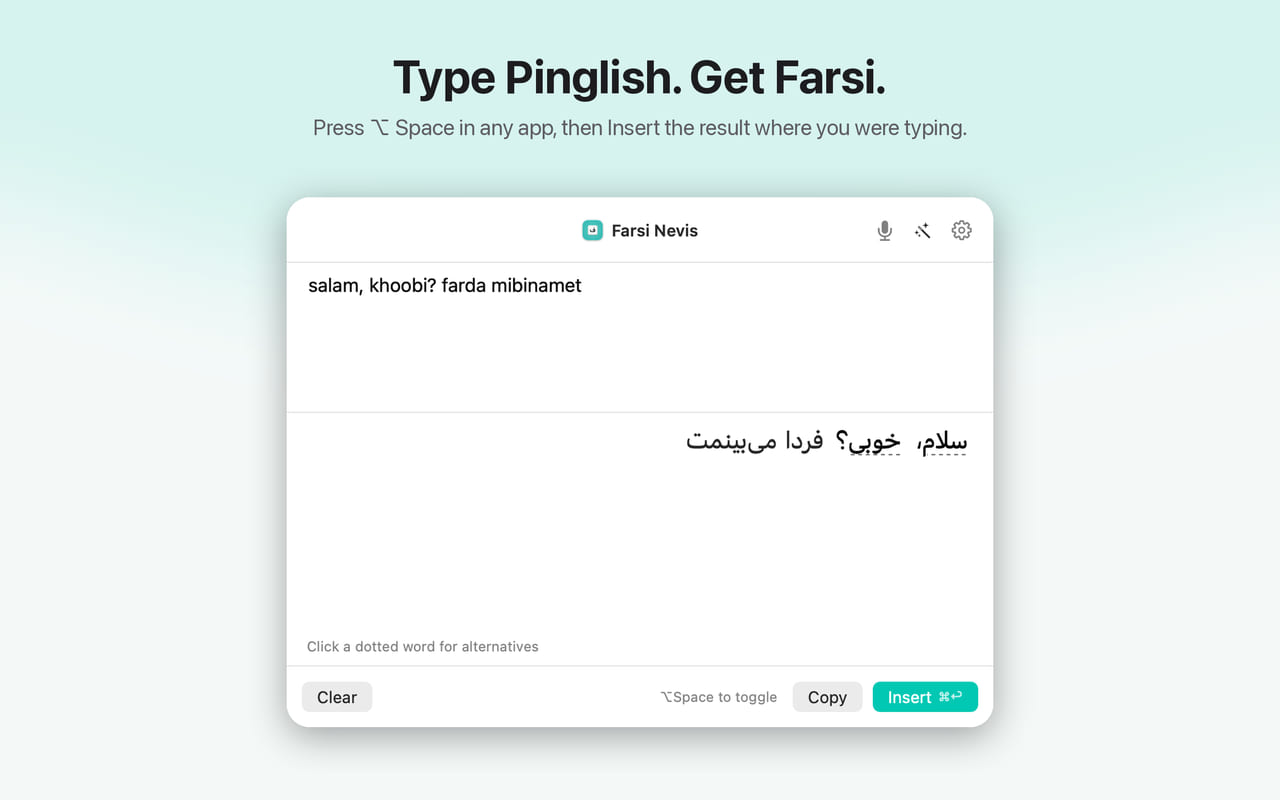
Farsi Nevis turns Farsi written in English letters (Pinglish/Finglish) into Farsi script as you type, in almost any app — as a keyboard on iPhone and iPad and a menu bar app on Mac, with dictation, AI writing tools, translation, and next-word suggestions built in.


Features
- ✓Pinglish → Farsi as you type, backed by 100,000+ real-world corrections — most words convert on your device, even offline
- ✓Learns your spelling — pick a word once and it remembers
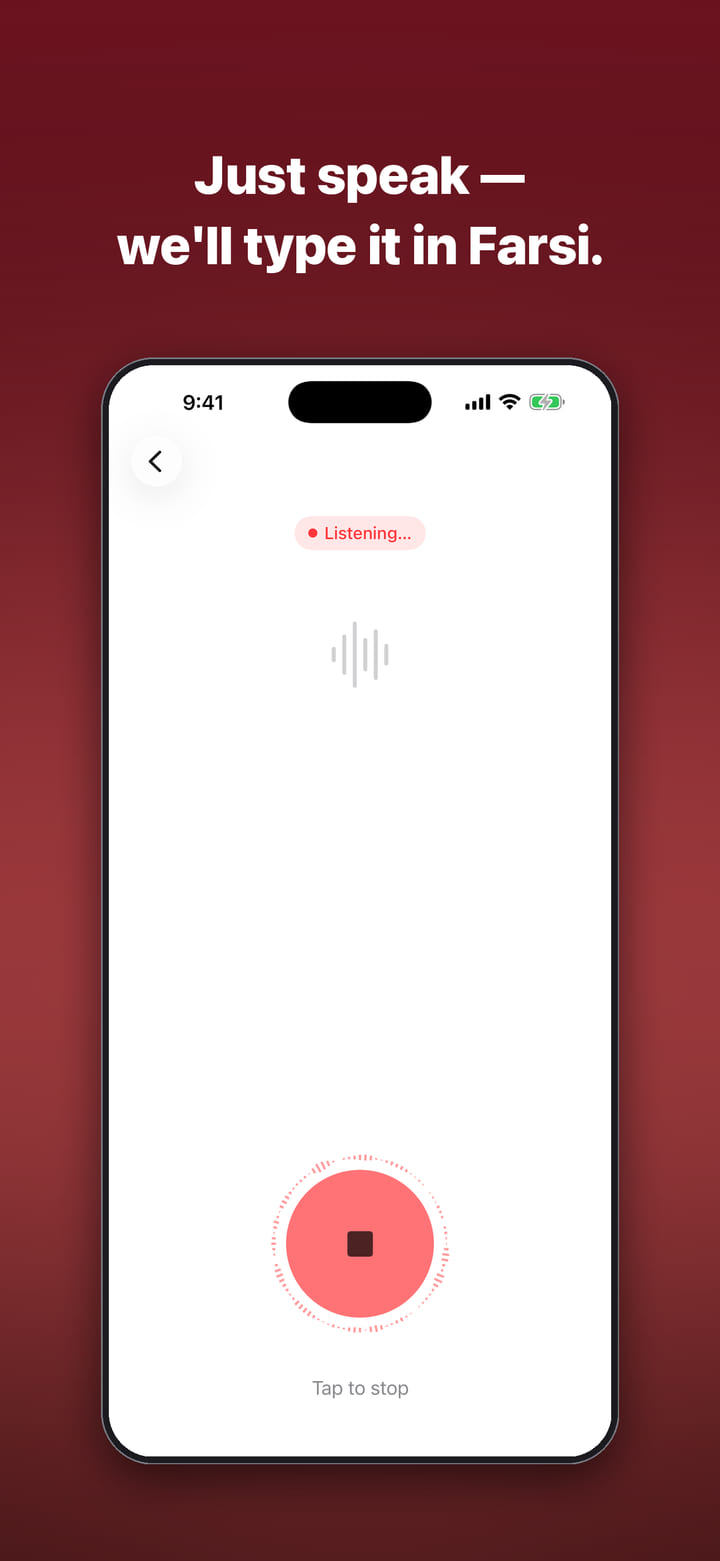
- ✓Farsi dictation with live transcription
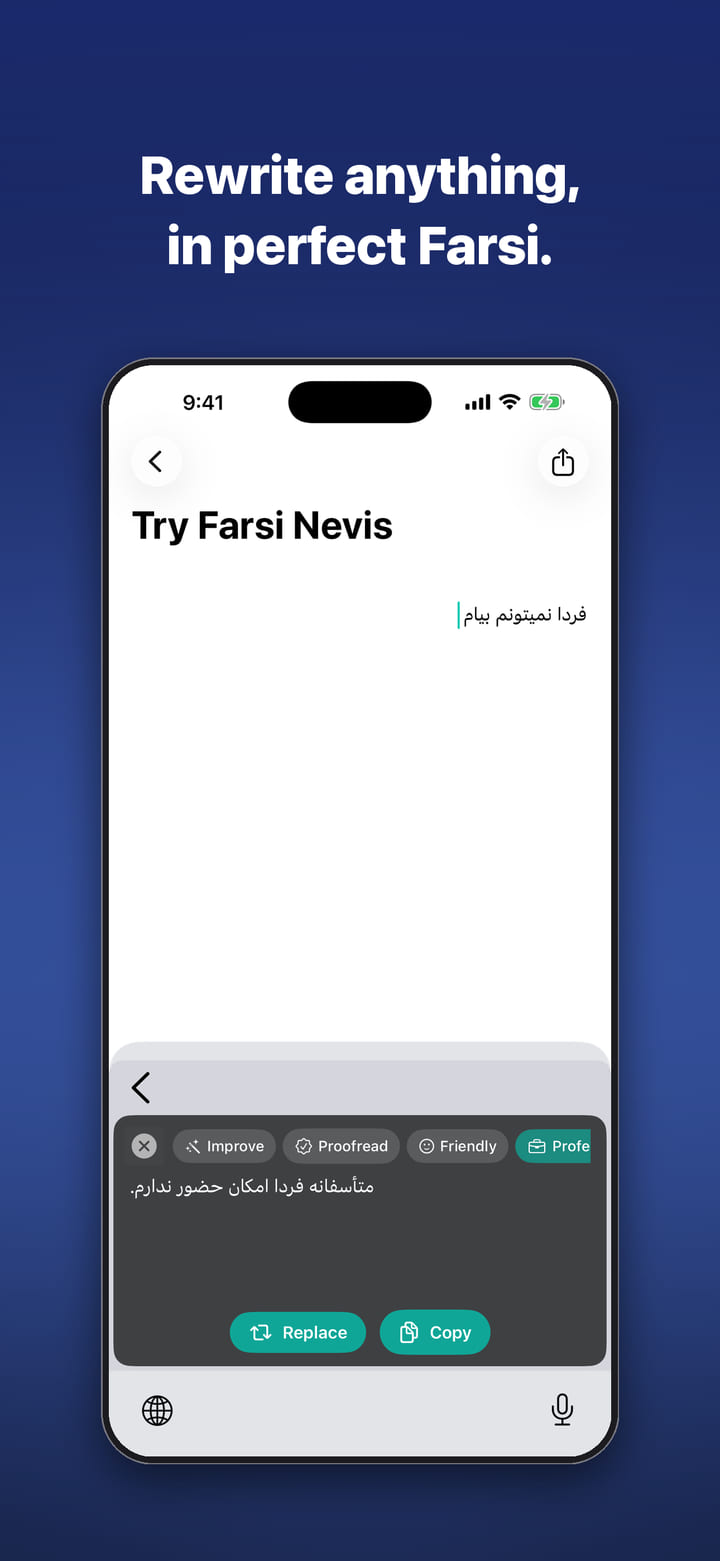
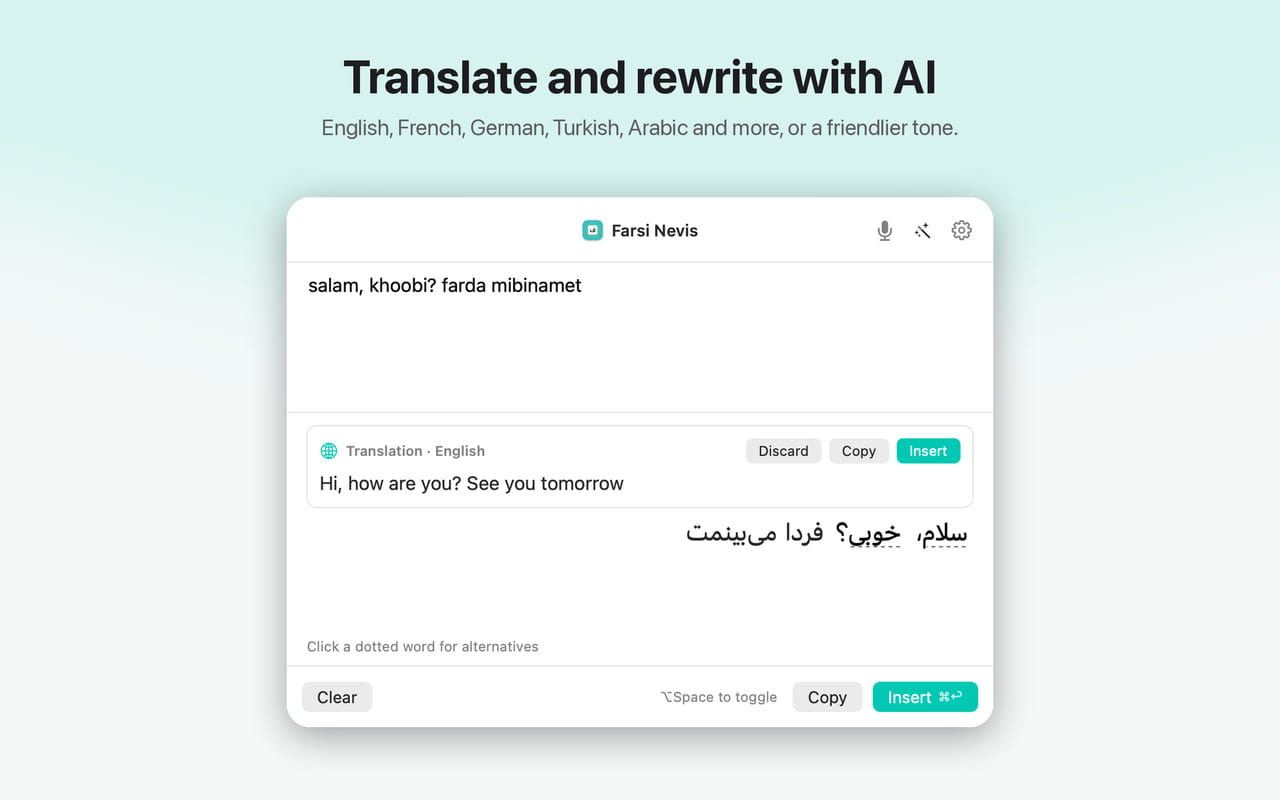
- ✓AI writing tools: improve, proofread, restyle, or summarize your text
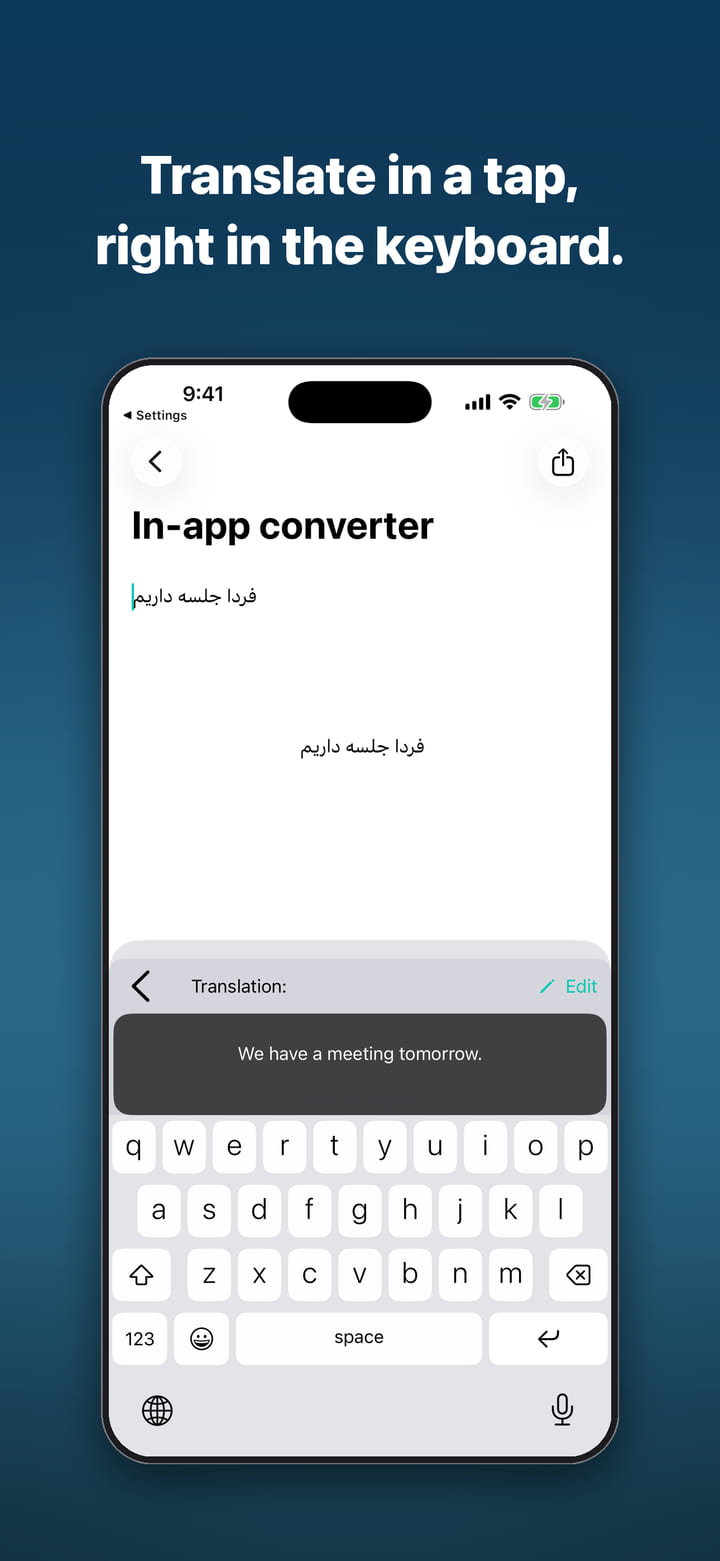
- ✓Translate into 12 languages without leaving the keyboard
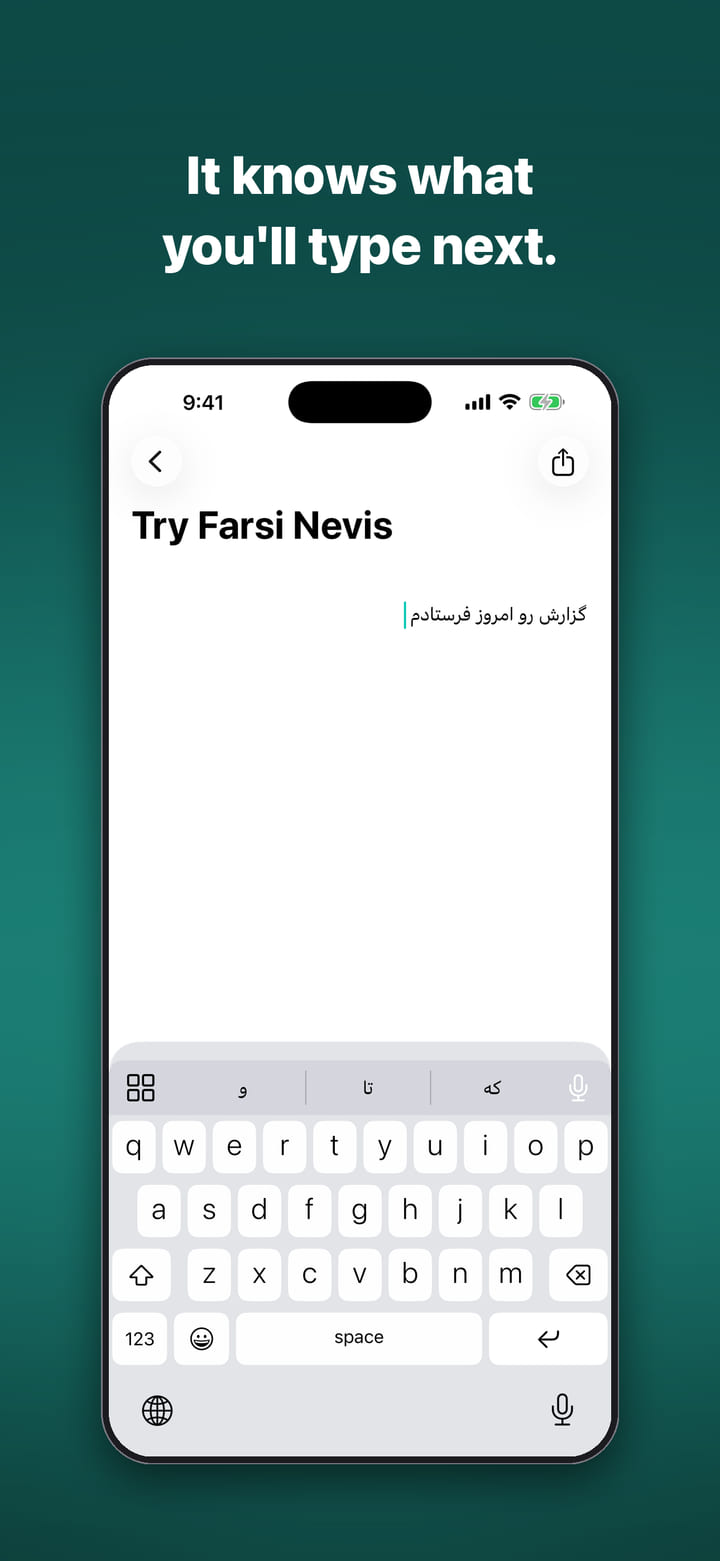
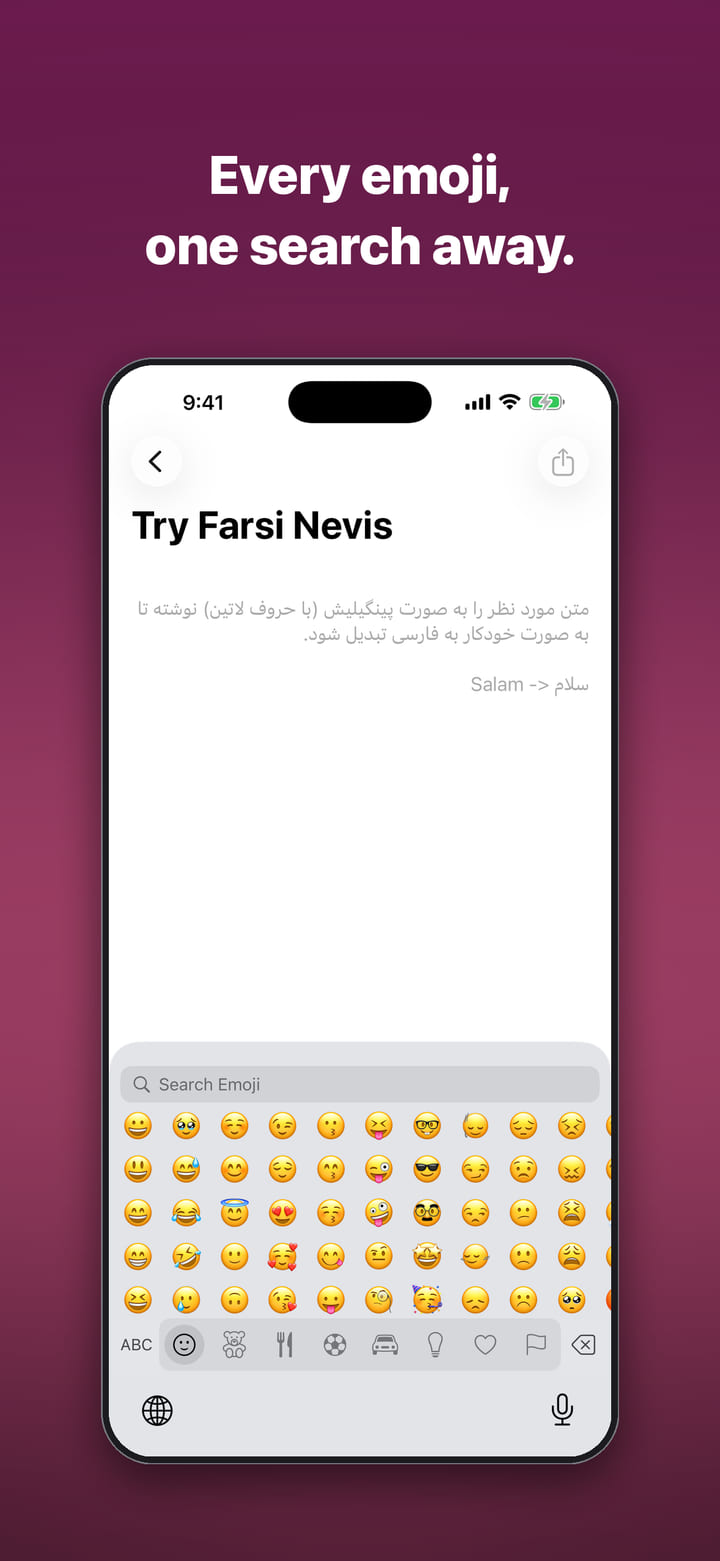
- ✓Next-word suggestions, plus emoji search in Farsi, English, or Pinglish
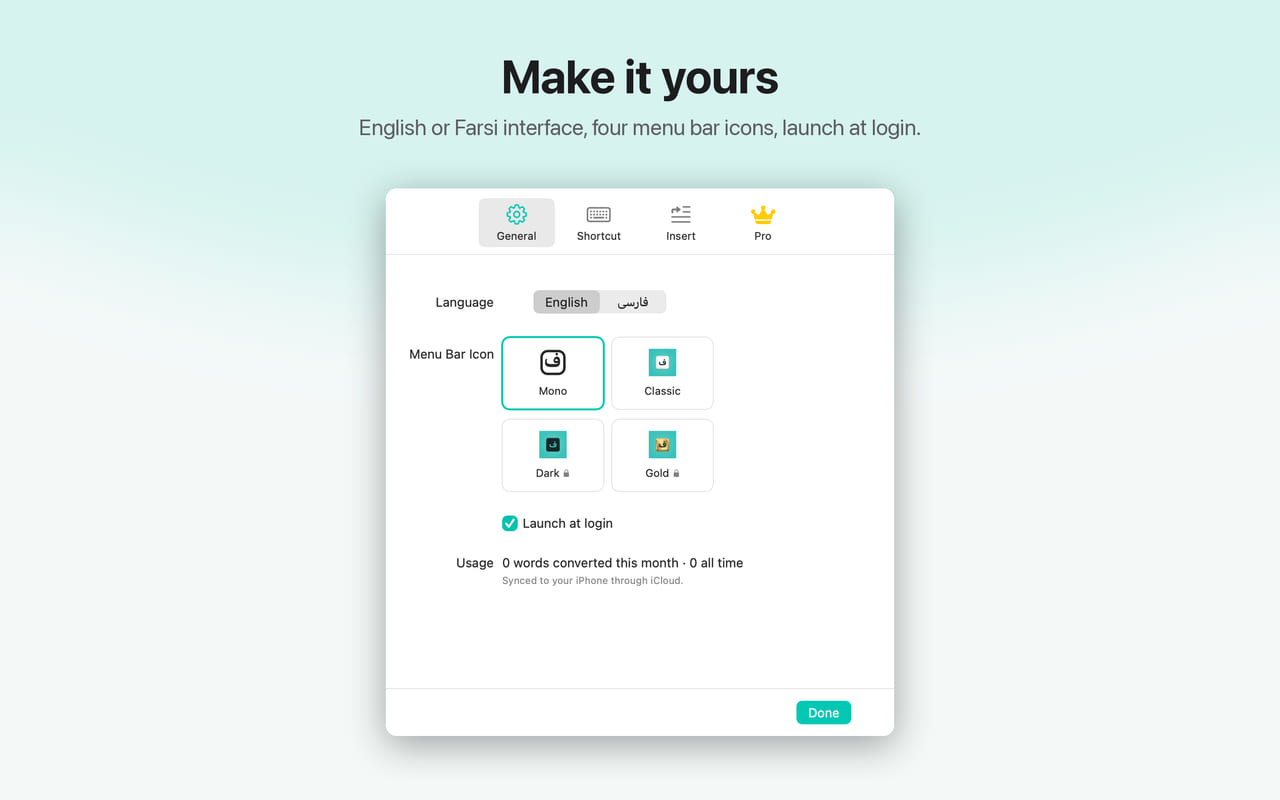
- ✓Your spelling style: choose half-spaces and hamza
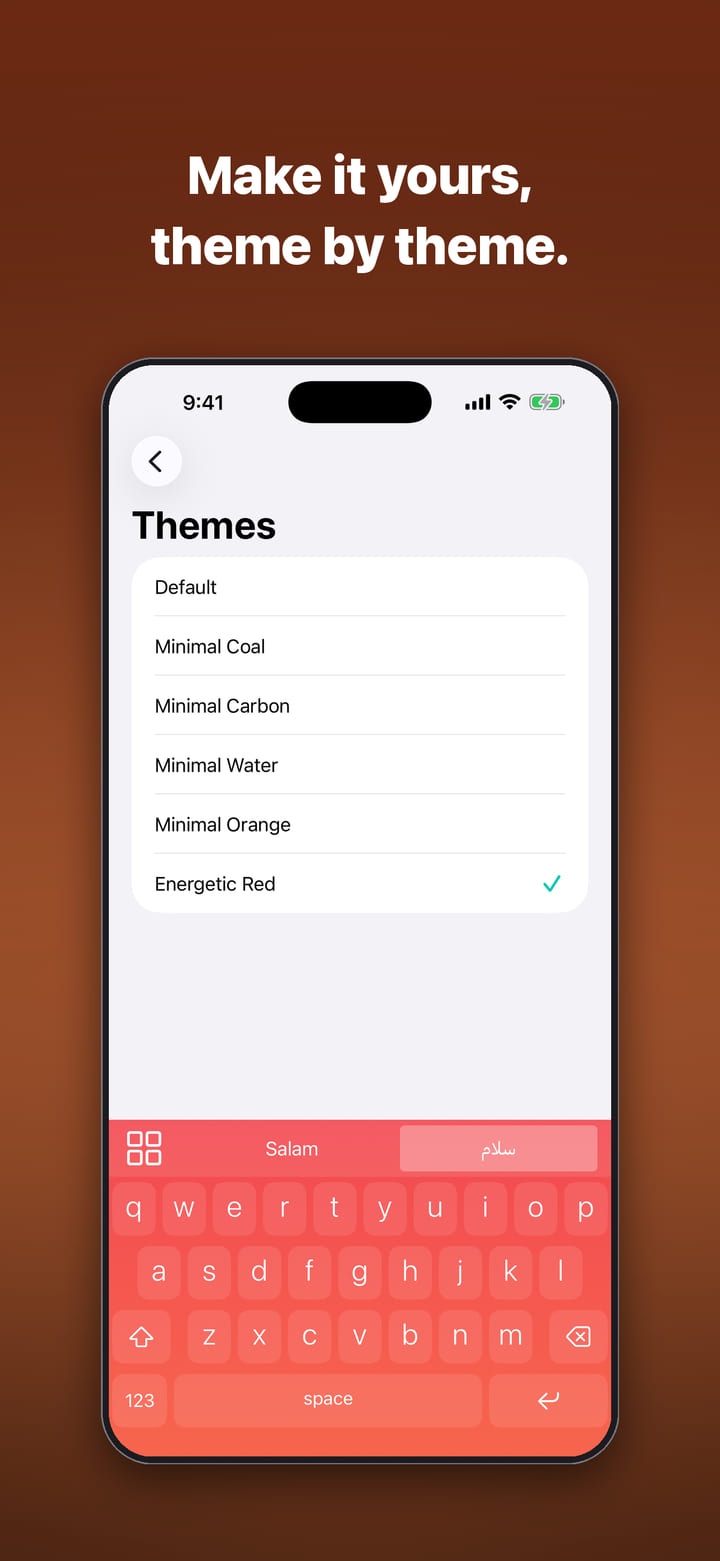
- ✓Keyboard themes, a number row, and clipboard
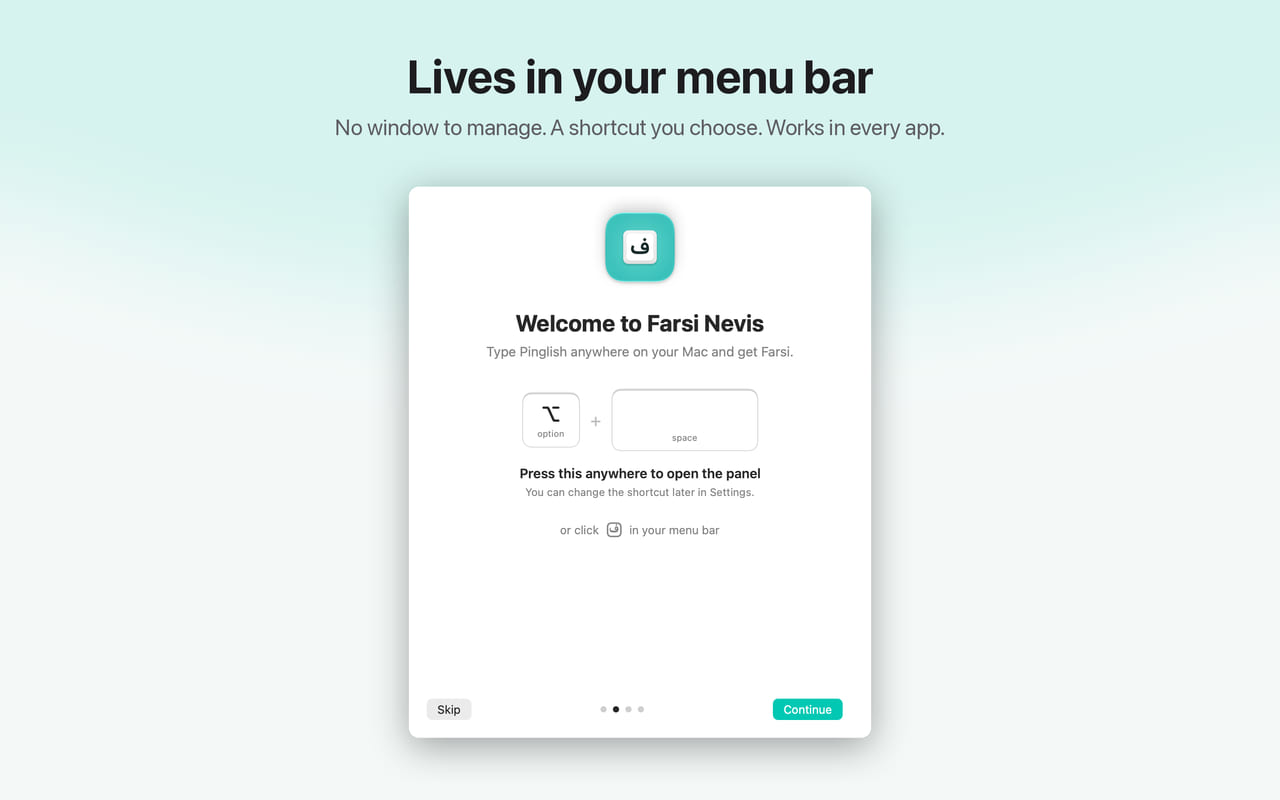
- ✓On Mac: press Option-Space in almost any app, type Pinglish, and insert Farsi where you were typing
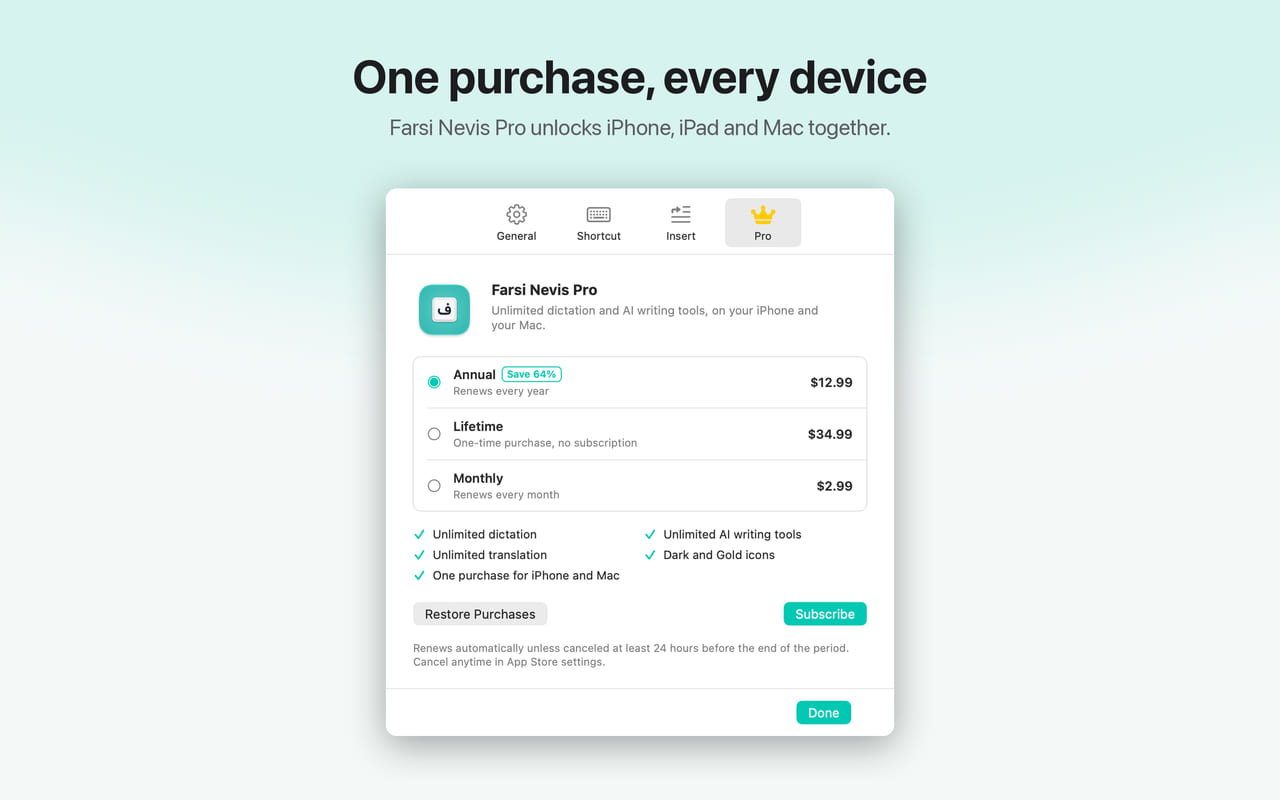
- ✓One Pro purchase covers your iPhone, iPad, and Mac
iPhone & iPad
Mac
Farsi Nevis (فارسی نویس) makes Farsi typing effortless. Type Farsi words using English letters and watch them turn into Farsi script automatically — or just speak. The keyboard learns how you spell, suggests your next word, rewrites your text with AI, and translates it into 12 languages without leaving the app you’re in.
On a Mac, Farsi Nevis lives in your menu bar. Press Option-Space in almost any app, type Pinglish, and insert the Farsi right where you were typing — with dictation, translation, and AI writing tools in the same panel. You can also convert selected text from the right-click menu or convert your clipboard. Farsi Nevis for Mac requires macOS 14 or later.